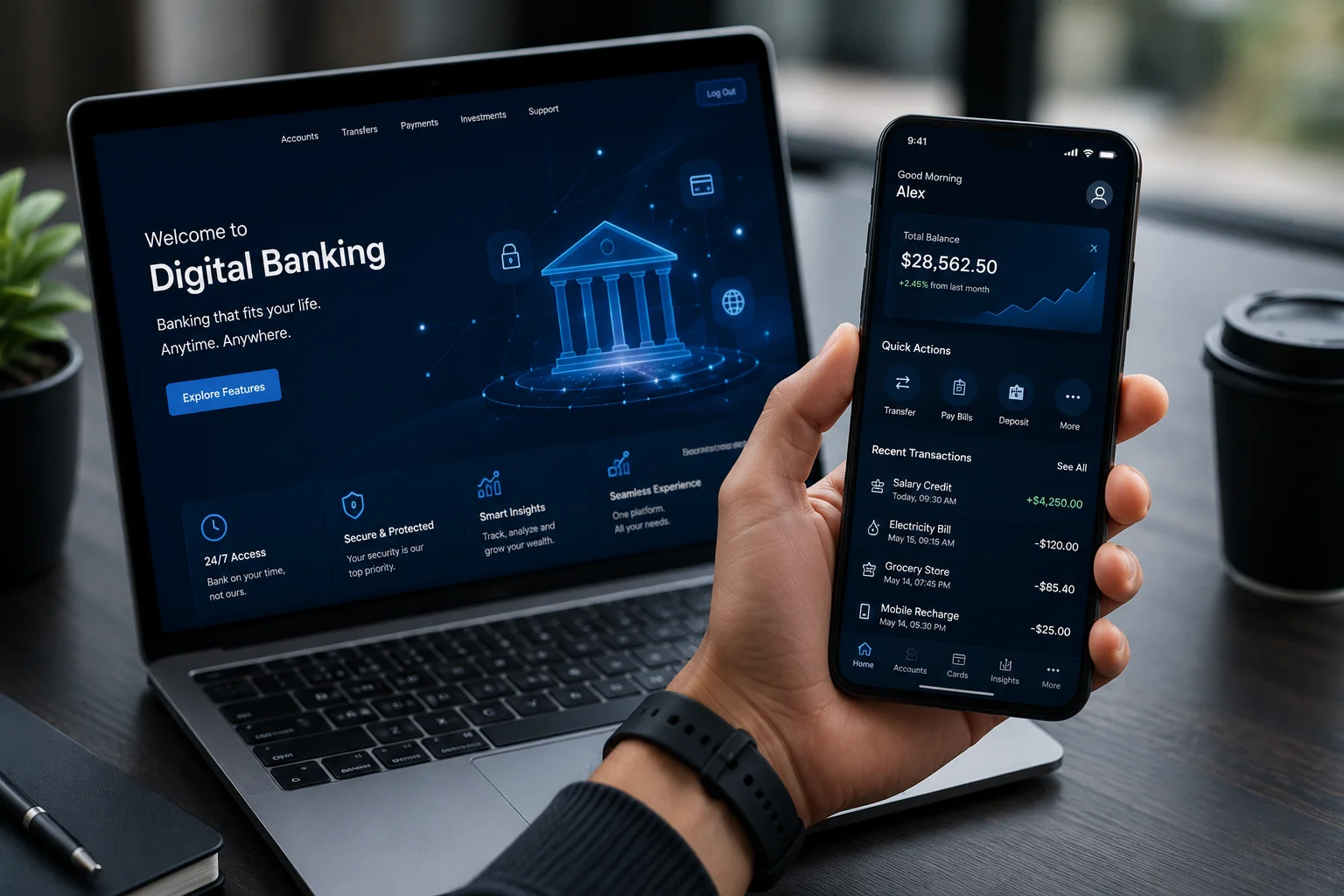
An internet banking app is one of the most useful tools a bank account holder has access to today. Whether you want to check your balance, transfer funds, pay a bill, or apply for a loan your banking app handles it in minutes, from your phone, at any time of day.
Yet for many customers, the full capability of their internet banking app goes largely unused not because the features are not there, but because nobody has clearly explained what is possible.
The scale of this shift is significant. A 2025 Deloitte report on digital banking found that 35% of banking customers increased their online banking usage following the pandemic, with the number of active digital banking users expected to reach 4.2 billion globally by 2026. What was once a convenience has become an expectation.
This guide covers everything you need to know what an internet banking app is, how it works, what you can do with it, and how to get started.

What Is an Internet Banking App?
An internet banking app also referred to as a net banking app or mobile banking app is a secure digital platform provided by your bank that allows you to perform a wide range of financial and non-financial transactions online without visiting a branch.
Any individual with an active bank account can register for internet banking. Once registered, you can access your account and carry out transactions from any internet-enabled device a smartphone, tablet, laptop, or desktop computer 24 hours a day, 7 days a week, including weekends and public holidays.
How Does an Internet Banking App Work?
When you log into your internet banking app using your registered credentials typically a Customer ID, password, and a One-Time Password (OTP) sent to your registered mobile number you gain secure access to your account.
All data exchanged between your device and the bank is encrypted using industry-standard SSL (Secure Socket Layer) technology. This means your account details, transaction history, and personal information are protected from unauthorized access at every step.
Once logged in, all your transactions whether a fund transfer, a bill payment, or a new fixed deposit are processed in real time and reflected immediately in your account.
Key Features of an Internet Banking App
A well-built internet banking app gives you access to a comprehensive set of both financial and non-financial services:
Financial Services:
- Transfer funds between your own accounts or to accounts in other banks
- Pay utility bills electricity, water, gas, telephone, and broadband
- Pay insurance premiums, loan EMIs, and credit card bills
- Apply for loans, fixed deposits, and recurring deposits
- Invest in mutual funds and other financial products
- Buy and renew general insurance policies
- Recharge mobile phones and DTH connections
Non-Financial Services:
- View and download account statements for any date range
- Request a new cheque book or debit card
- Update contact information and communication preferences
- Set and manage transaction alerts
- Block or temporarily freeze a debit card instantly
- Raise service requests and track their status
Types of Fund Transfers Available on an Internet Banking App
Most internet banking apps support three primary modes of fund transfer:
NEFT: National Electronic Funds Transfer NEFT allows you to transfer money to any bank account across India. Transactions are processed in hourly batches and typically complete within a few hours. NEFT is suitable for non-urgent, everyday transfers of any amount.
IMPS: Immediate Payment Service IMPS enables real-time, instant fund transfers 24/7 including on weekends and bank holidays. It is the most used method for urgent transfers. Transactions are typically settled within seconds and are confirmed immediately.
RTGS: Real-Time Gross Settlement RTGS is designed for large-value transactions and processes transfers in real time on an individual basis. It is primarily used for high-value business payments and, RTGS transactions are settled instantly and securely.
Benefits of Using an Internet Banking App
- Available Anytime, Anywhere Forrester's 2025 Digital Banking Landscape research found that 65% of US adults, 68% in the UK, and 73% in Australia now expect to complete any banking task entirely through a mobile app reflecting how deeply the expectation of 24/7 digital access has become embedded in everyday banking behaviour. There are no branch hours, no queues, and no geographic restrictions.
- Complete Account Visibility Every transaction, balance movement, and pending payment is visible in real time. You can track your account activity continuously, identify any unauthorized transaction immediately, and act before it becomes a problem.
- Time and Cost Efficiency Internet banking eliminates the time and travel cost of branch visits for routine transactions. Fund transfers, bill payments, and most account management tasks are available at zero additional charge through the app.
- Financial Empowerment Using internet banking regularly helps customers understand their own financial patterns spending, saving, and payment habits in ways that physical banking rarely does. This awareness supports better financial decisions over time.
- Reduced Paperwork Account statements, tax certificates, investment confirmations, and loan documents are all available digitally through the app, eliminating the need for physical paperwork and the risk of document loss.
Is an Internet Banking App Safe to Use?
Yes, when used with basic precautions, internet banking apps are highly secure. PwC’s 2026 Global Digital Trust Insights for Financial Services confirms that 74% of banks are actively planning to increase their cybersecurity budgets in 2026 underscoring that the security of digital banking platforms remains the industry’s most consistently prioritised investment.
Banks deploy multiple layers of protection including end-to-end encryption, multi-factor authentication, OTP verification for every transaction, and real-time fraud monitoring.
To protect your account, follow these basic security practices:
- Never share your Customer ID, password, or OTP with anyone including anyone claiming to be from your bank
- Avoid accessing your banking app over public or unsecured Wi-Fi networks
- Change your password regularly and use a combination of letters, numbers, and symbols
- Always log out completely after every session
- Keep your registered mobile number and email address current so you receive alerts instantly
How to Register for an Internet Banking App
Registering for internet banking is straightforward and can be done entirely online at most banks:
- Visit your bank's official website or download the bank's official app from a trusted app store
- Navigate to the internet banking registration or "New User" section
- Enter your account number, registered mobile number, and other requested details
- Verify your identity through an OTP sent to your registered mobile number
- Set a new username and secure password
- Log in using your new credentials and complete any additional security setup your bank requires
At some banks, registration can also be completed at an ATM or by submitting a request form at your home branch.
Frequently Asked Questions
Internet banking refers to banking conducted via a browser on any internet-enabled device. A mobile banking app is a dedicated application built specifically for smartphones that offers the same core services along with mobile-specific features such as biometric login, push notifications, and UPI payments.
Most banks provide internet banking access at no additional charge. Certain fund transfer modes such as RTGS may carry nominal transaction fees check your specific bank’s fee schedule for details.
Yes. Most banks allow customers to link and manage multiple accounts savings, current, loan, and fixed deposit under a single Customer ID.
Use the “Forgot Password” option on your bank’s login page. You will typically be asked to verify your identity using your registered mobile number, after which you can reset your password without visiting a branch.
Yes, your internet banking app is accessible from anywhere with an internet connection. However, certain features may be subject to RBI regulations on international transactions. Contact your bank for specific guidance.
How Appzillon by i-exceed Helps Banks Build Better Internet Banking Apps
For banks and financial institutions looking to deliver the kind of internet banking app experience that customers rely on and return to, the underlying platform matters as much as the features.
Appzillon by i-exceed is a low-code digital banking platform that helps banks build and deploy feature-rich, secure, and seamlessly connected internet banking experiences across mobile, web, and in-branch channels from a single, unified platform.
Banks looking to move beyond basic transaction functionality and deliver the real-time visibility, intelligent alerts, and seamless service access that customers now expect can explore what platform banking makes possible with Appzillon.
See what Appzillon’s internet banking platform delivers. Explore Appzillon →
To know more about how i-exceed can help with your digital banking initiatives, get in touch with us at connect@i-exceed.com .